
TAKE THE
FEELING WITH YOU.
Original designs and useful ideas for your next chapter on the road.
Explore the collectionA community for life on the road—in cars, SUVs, vans, pickups, buses, RVs and trailers.
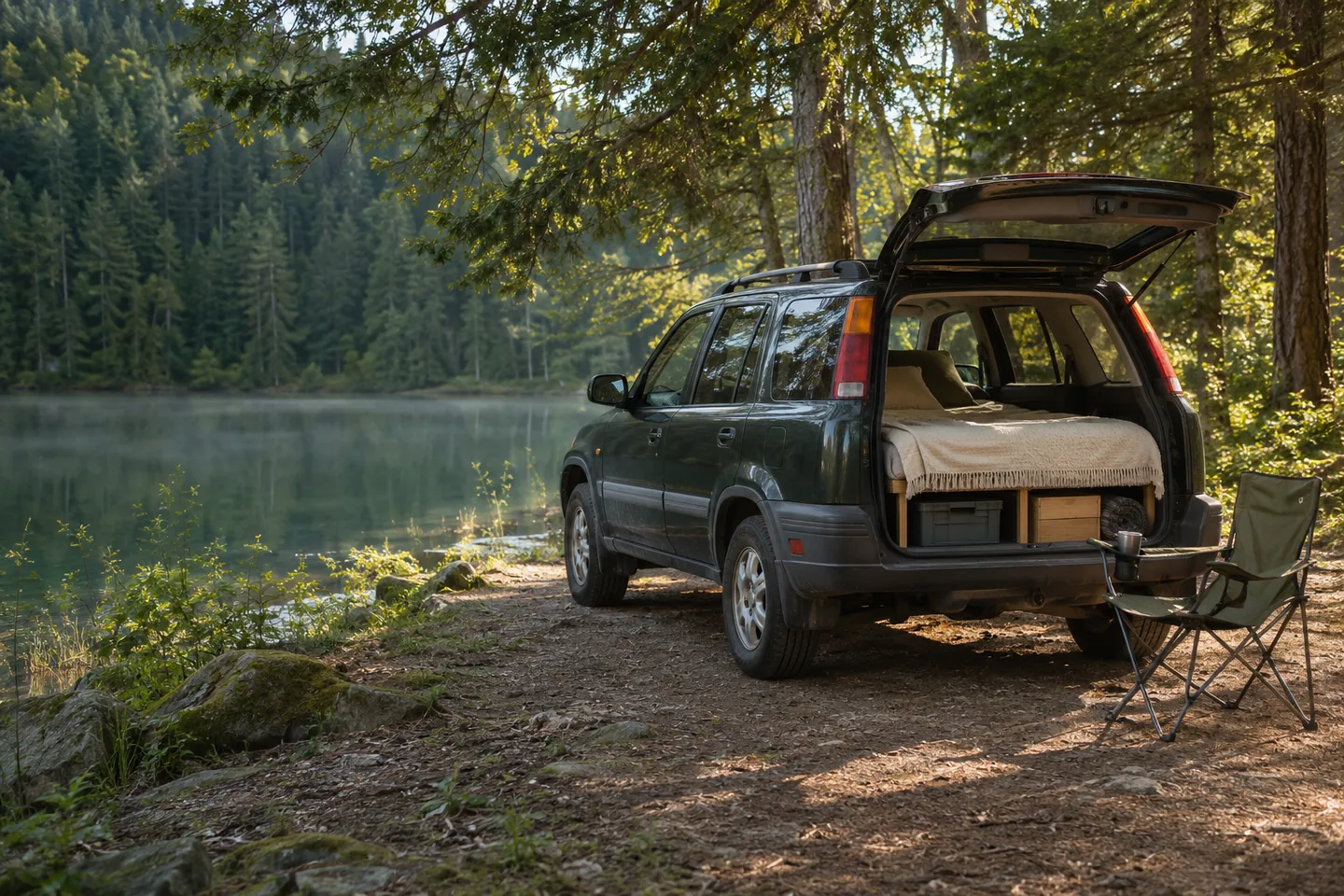
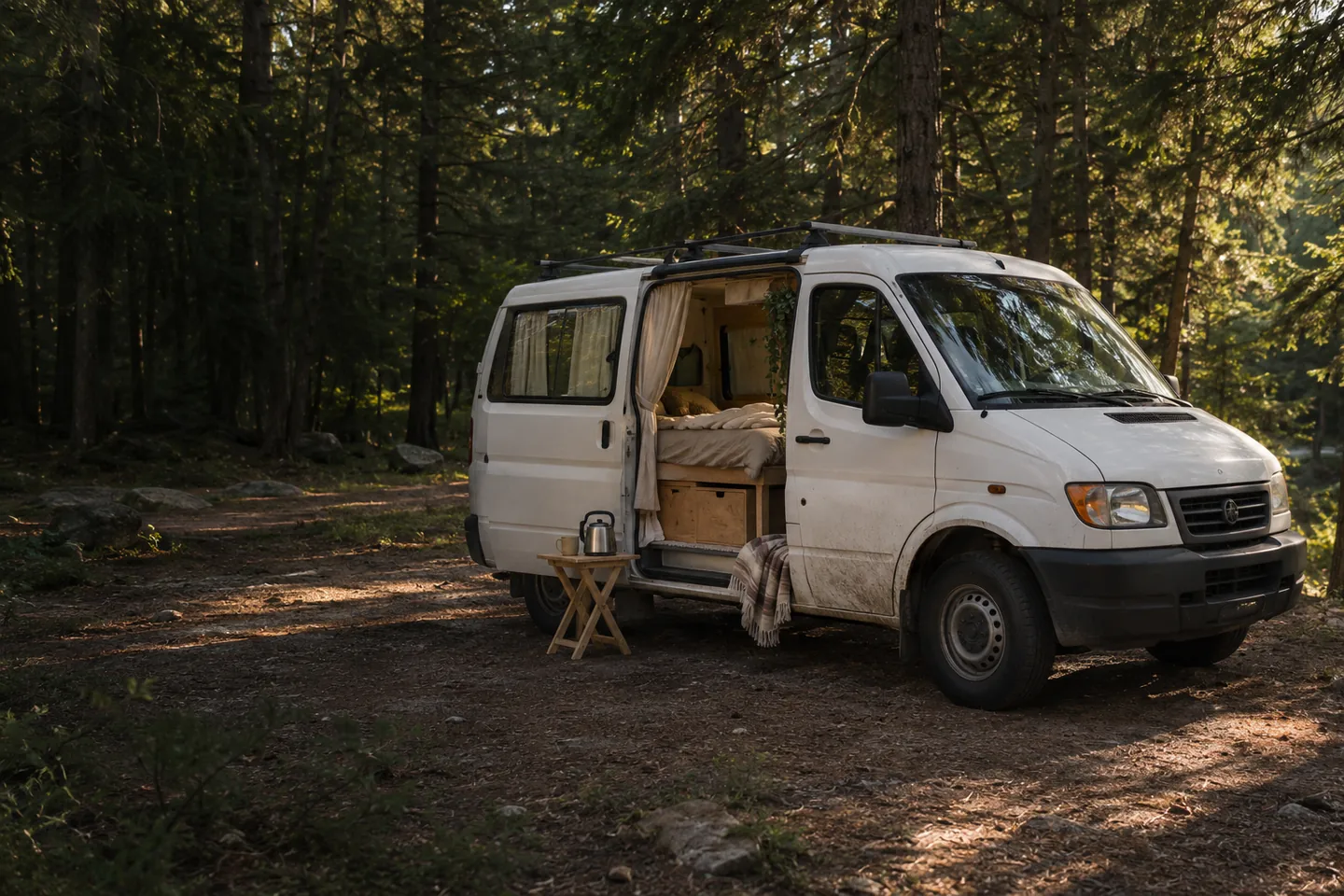
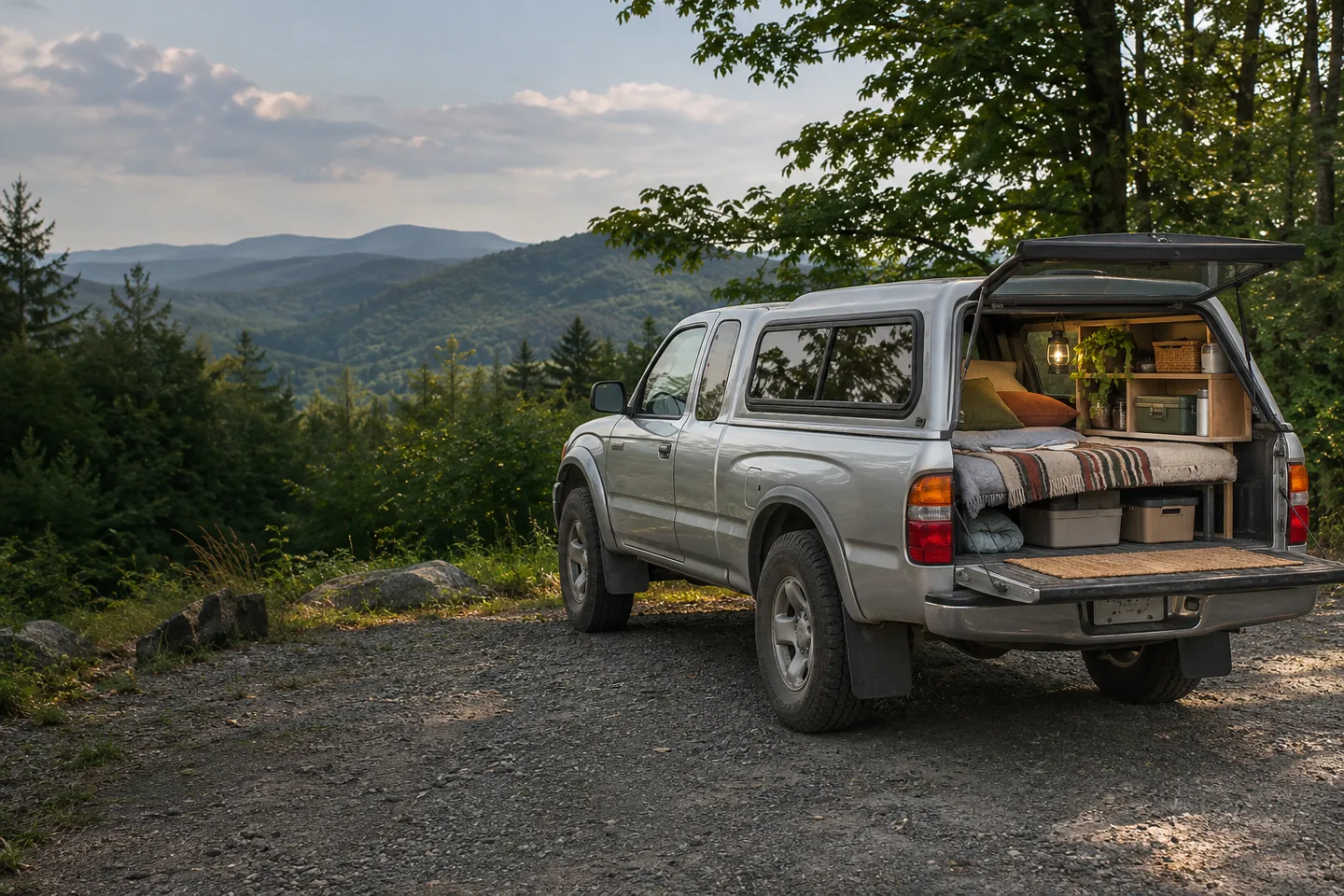
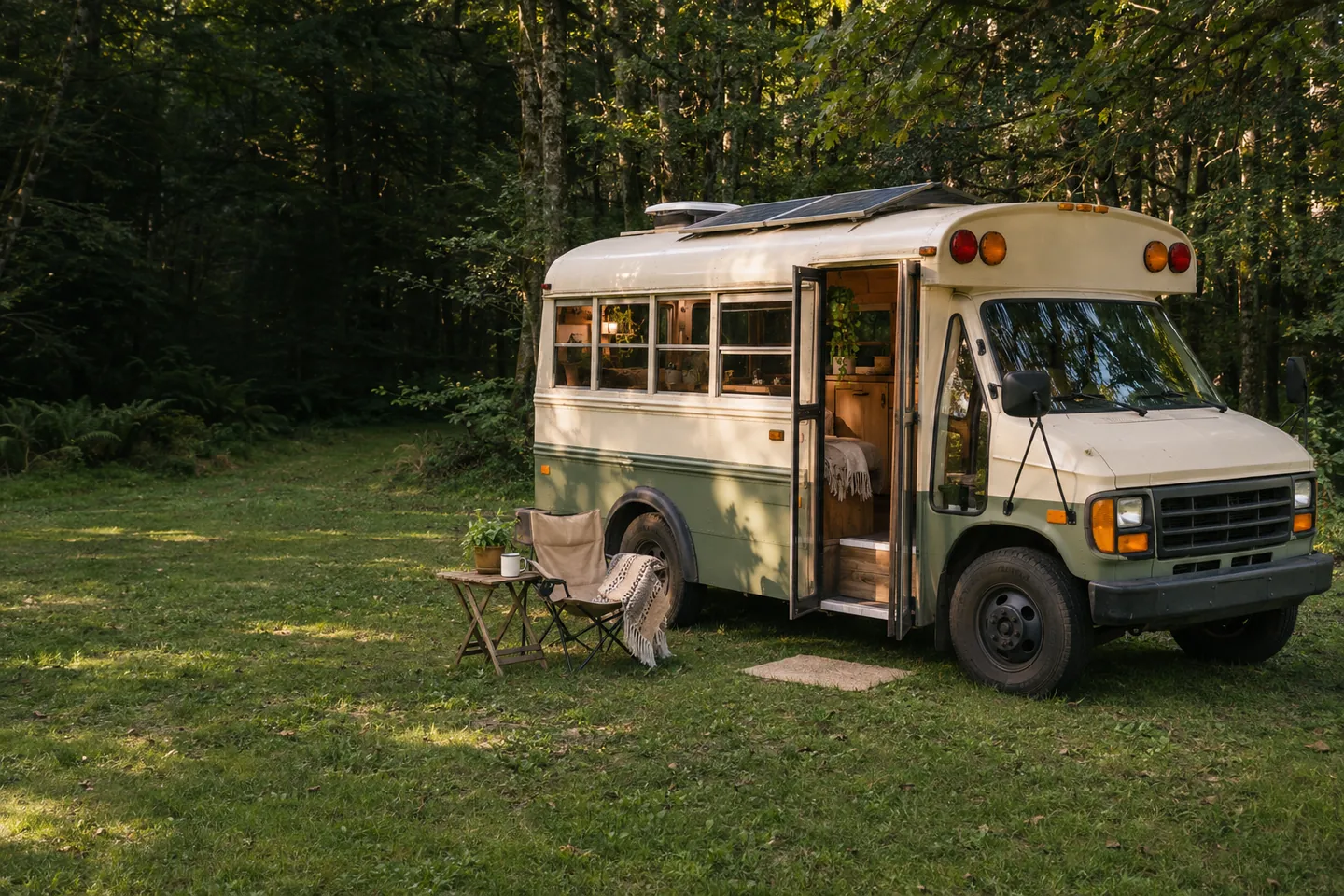
From a simple sleeping setup to a home on wheels.
Find campsites, builders, and local communities. A city, a ZIP code, or wherever the road takes you.
A community for car, SUV, van, and RV life. Share your journey, swap practical ideas, meet builders, and find rigs and gear for your next chapter. From a simple sleeping setup to full-time travel, you belong here.
Car-camping checklists, SUV sleeping layouts, and budget van-conversion ideas. Practical guides for wherever you’re starting.
From weekend escapes to full-time freedom. Meet the rigs that make it possible.
All rigs · Every kind of home on wheels.
DESIGN PREVIEW — Vehicle listings, photos, names and prices are illustrative, not verified vehicles for sale.
Meet the makers. Find builders and services by area, explore their work, and read experiences shared by members.
Explore the builder directoryReal stories, unexpected detours, useful advice, and people who understand why you took the scenic route.
Document your journey with photos and a map. Add friends, share stories, and join groups for every kind of traveler.
Explore the communityRigs, solar gear, build parts, and camp essentials. Discover nearby listings and give useful things their next chapter.
Original designs and useful ideas for your next chapter on the road.
Explore the collectionOpen your own storefront, list useful things, and connect with buyers nearby.
Explore Member ShopsOne Mobile Residency account for your journey, your community, and the good things you find along the way.
Explore rigs on the homepage or browse Marketplace for vehicles, power and solar, build parts, camping gear, and road essentials. Choose a city or ZIP to sort by approximate distance. Message the seller, inspect the item, and arrange local pickup directly. Shipping and checkout are not available.
Create a listing with photos, condition, price, and pickup ZIP. Save a draft or publish when ready. Mark it pending or sold as availability changes. Open a free Member Shop for a logo, cover, story, and a storefront displaying the same items.
Use Community to document stops with photos and maps, choose privacy, add friends, and join groups. Use Explore nearby for campsites, builders, and communities, with member experiences and map links.
Use your account to edit your profile, manage listings and shops, save places and items, and open messages. Block members through Community → Friends or marketplace conversations. Read the Marketplace rules and pickup guidance before buying or selling. Originals remains a preview until products and fulfillment are ready.
Open Community → My reels or your profile’s Reels tab. Choose a video up to 60 seconds, add a description and audience, then upload your private draft. Once processing finishes, choose a cover frame and publish it. To add a product demonstration, save your Marketplace or Member Shop listing and select Add video on its page. Each listing can have one video alongside its 12 photos.